
Manage Blocks and Clients
Create, configure, and manage every block, unit, and client in your portfolio from one centralised admin panel. Full client profiles, assignment history, real-time account balances, and bulk data export — everything in a single system.
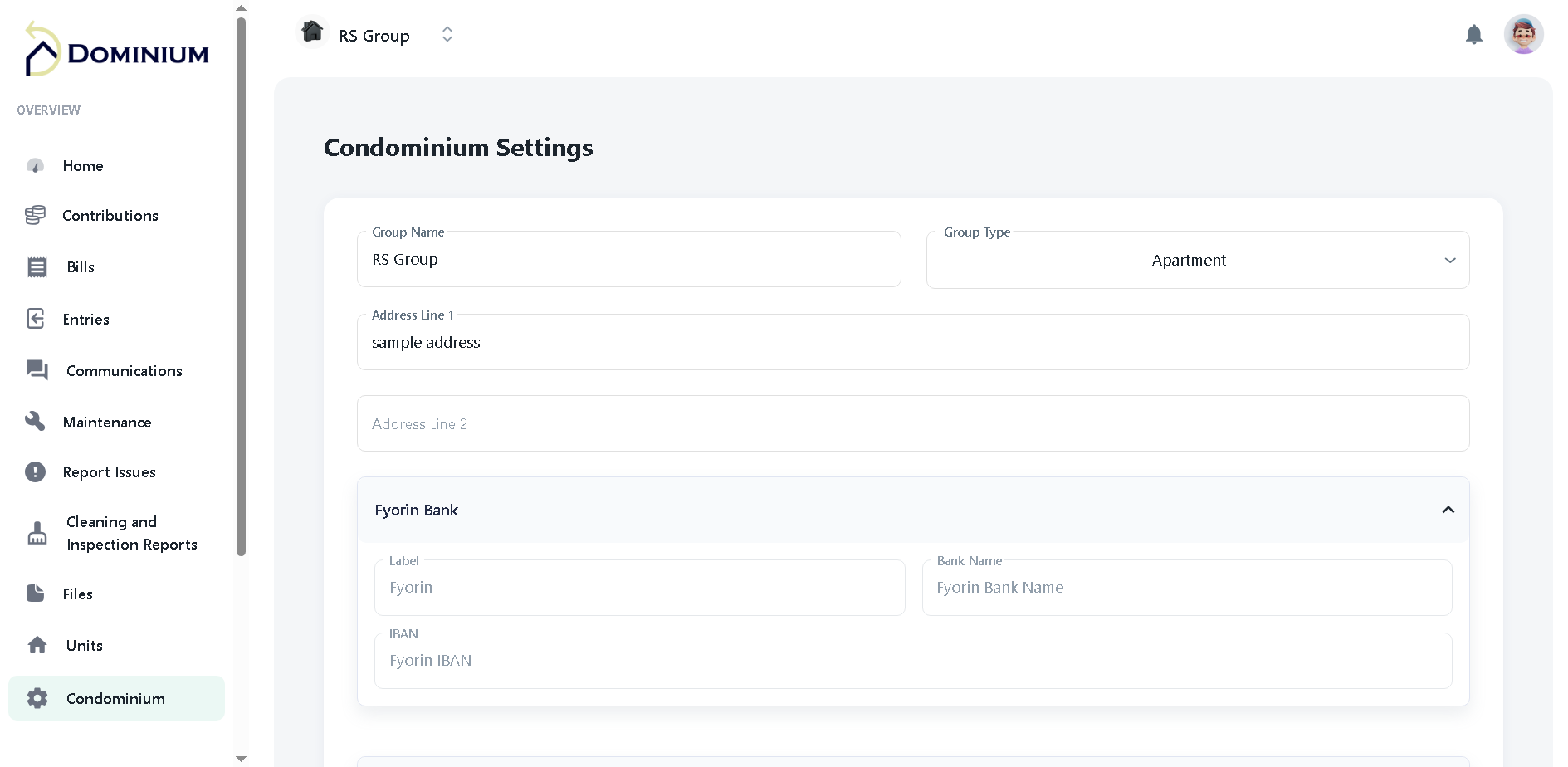
Key Capabilities
- Create and configure unlimited blocks and buildings
- Add clients with full profiles and contact details
- Assign clients to one or multiple blocks
- Store ARMS numbers, custom fields, and block settings
- View per-unit account balance and payment history
- Bulk export all block and client data via CSV
- Maintain maintenance schedules and insurance records per block
How Manage Blocks and Clients Works
A closer look at what's under the hood.
Easy Block Setup
Administrators set up new blocks by entering the block name, address, ARMS number, and any custom fields required for their portfolio. The setup process is designed for non-technical users — no IT support needed. Multiple blocks and buildings can be added within minutes, and your entire portfolio can be operational in Dominium within a single day.
Detailed Block Information
Dominium maintains comprehensive records for every block — including ARMS numbers, maintenance schedules, insurance details, building rules, and contact information for block representatives. All records are centralised and immediately accessible to every authorised team member, eliminating the scattered spreadsheets and shared drives that slow most management teams down.
Easy Client Setup and Flexible Assignment
Create new client profiles quickly by entering name, contact details, and assigned blocks. Clients can be assigned to one or multiple blocks to accurately reflect their involvement across your portfolio. Bulk import of existing resident records ensures that migrating from a previous system is fast and painless — with zero manual re-entry of client data.
Bulk Export via CSV
Use the CSV export feature to download complete block and client data simultaneously. Whether migrating data, preparing AGM reports, or auditing your portfolio, bulk export puts the information you need at your fingertips instantly. Every export is structured and clean — ready to open in Excel or import into another system without any additional formatting.
Ready to see Manage Blocks and Clients in action?
Book a free demo and we'll walk you through everything Dominium can do for your portfolio.